Logo

How can we help?

Blue Tees Golf Canada Customer Support

What should I do if my Player Go Speaker doesn't turn on?

Player Go Speaker

What should I do if my Player Go Speaker doesn't turn on?

Last updated on 11 Oct, 2024

If the speaker does not power on:

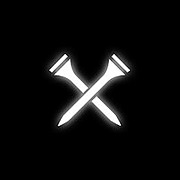
  1. Firmly press the ‘Crossed Tees’ Power/Action button for five (5) seconds

  2. Ensure your unit is fully charged; if the power button does not respond after being fully charged, contact customer support

If the speaker turns off while being used:

  1. Battery charge level is low, recharge battery for 2-3 hours

Did you find this article helpful?
Previous

What should I do if my Player Go Speaker has sound issues?

Next