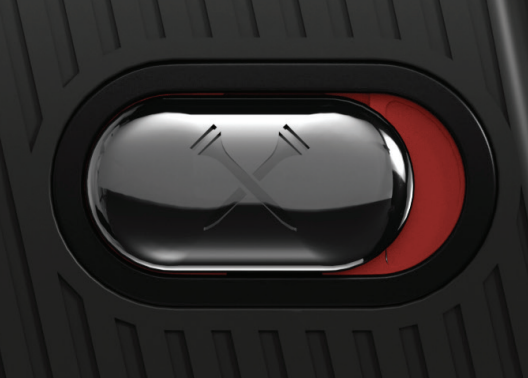
In Active Track Mode, the Slope Switch allows users to turn the Slope function on and off. When in the off position, users will conform to USGA tournament play rules (USGA Rule 14-3).
The red background indicates the Slope function is turned on.
The rangefinder unit vibrates when switched between on or off.
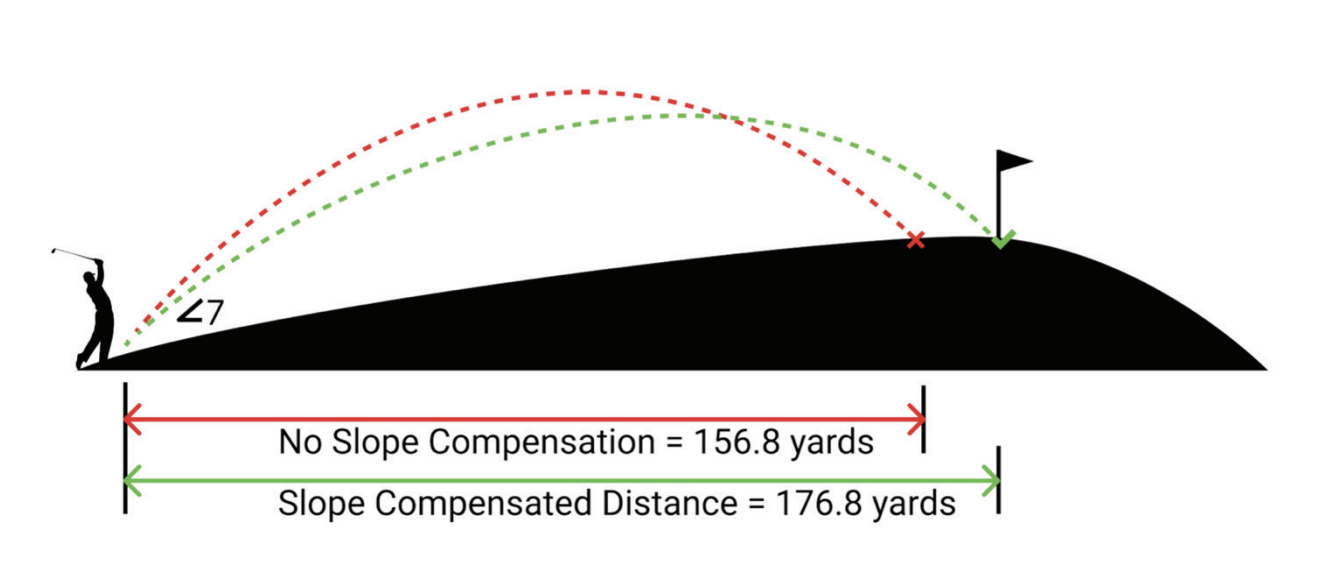
Slope distance provides an adjusted distance calculation to the flag based on the location of the flag, i.e. if it is above or below the player. For example, the measured distance to the black flag in the drawing below is 156.8 yards, the slope is measured at seven degrees. The slope-compensated distance calculates the measurement to play at 176.8 yards. Without the slope-adjusted distance calculation, the player would be 20 yards short (identified through the Active Track Mode). The slope-adjusted distance will be displayed as the distance below the line of sight.