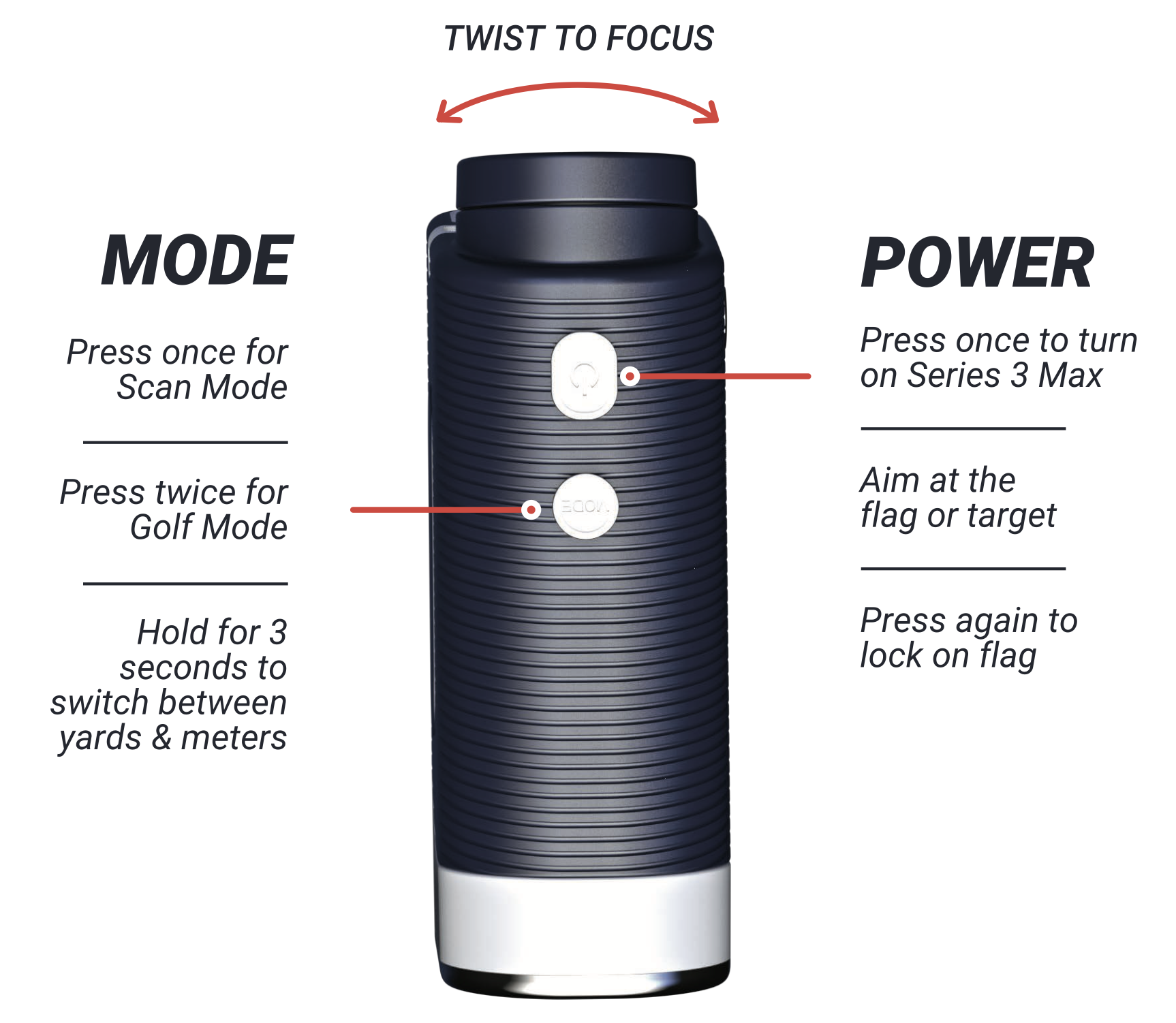

Mode Selection:
Press the Mode button to change the setting between Scan and Golf modes
Scan Mode:
Continuous Scan - hold down the Power/Start button, the data on the LCD screen will change as you move the rangefinder while holding down the button
Golf Mode:
Press the Power/Start button, to calculate the beeline distance, adjusted slope distance, and angle value
How to swap between yards and meters:
Hold the Mode button for 3 seconds to switch between yards & meters