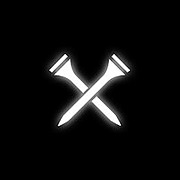
Turn on your Player GO Speaker by pressing and holding [add “X” image] for three (3) seconds. You will hear a prompt tone indicating that the Player GO Speaker has been turned on and will automatically enter into Bluetooth pairing mode.
Download/Open the Blue Tees Game App. Follow the on-screen instructions to create an account or log in.
Navigate to the ‘Devices’ section, add a new device, and connect Player GO to your Blue Tees Game account.
Once connected, type the name of the golf course or location in the search bar to locate a specific golf course.
Select the desired course, number of holes, and starting tees.
Press "Start Round"

How can we help?
Blue Tees Golf Canada Customer Support
How do I connect the Player Go Speaker to the Blue Tees Game App?
Player Go Speaker
How do I connect the Player Go Speaker to the Blue Tees Game App?
Last updated on 11 Oct, 2024