
This device is powered by a built-in lithium-ion battery that can be charged using any standard USB port on your laptop/computer or an AC adapter.
Note: This device will not charge/operate outside of the approved temperature range (page 23 of user manual)
1. Locate the USB-C charging port on the device.
2. Insert the small end (USB-C) of the provided charging cable into the USB-C input port.
3. Insert the large end (USB-A) of the provided charging cable into an external power source, such as a USB port on your laptop/computer or an AC adapter (min. 5V/2A).
4. Remain inserted for 2-3 hours or until device is fully charged.
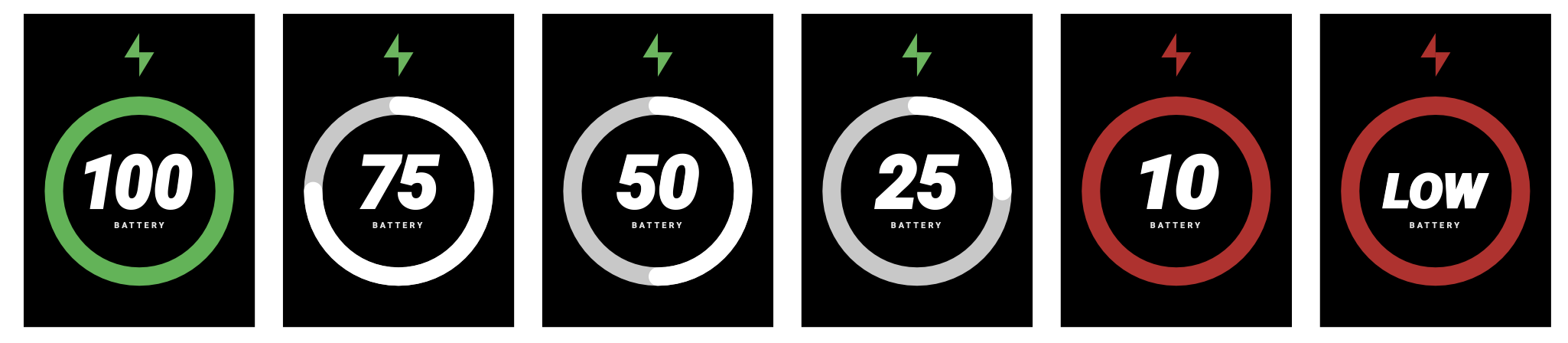
Note: Battery levels only show in the following percentages: LOW, 10%, 25%, 50%, 75%, and 100%