

Logo

How can we help?

Blue Tees Golf Canada Customer Support

How do I change the interface of the Series 3 Max+ Rangefinder from Red to Black?

Series 3 Max+ Rangefinder

How do I change the interface of the Series 3 Max+ Rangefinder from Red to Black?

Last updated on 11 Oct, 2024

The RED / BLACK CONTROL button allows for a manual changing of the display color for your preferred setting based on the environment. In high-light environments, the display is best shown in BLACK. In low-light environments, the display is best shown in RED.
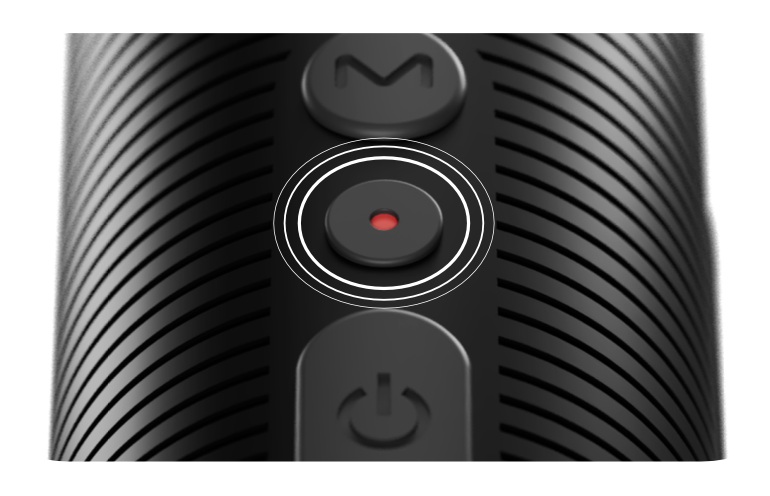
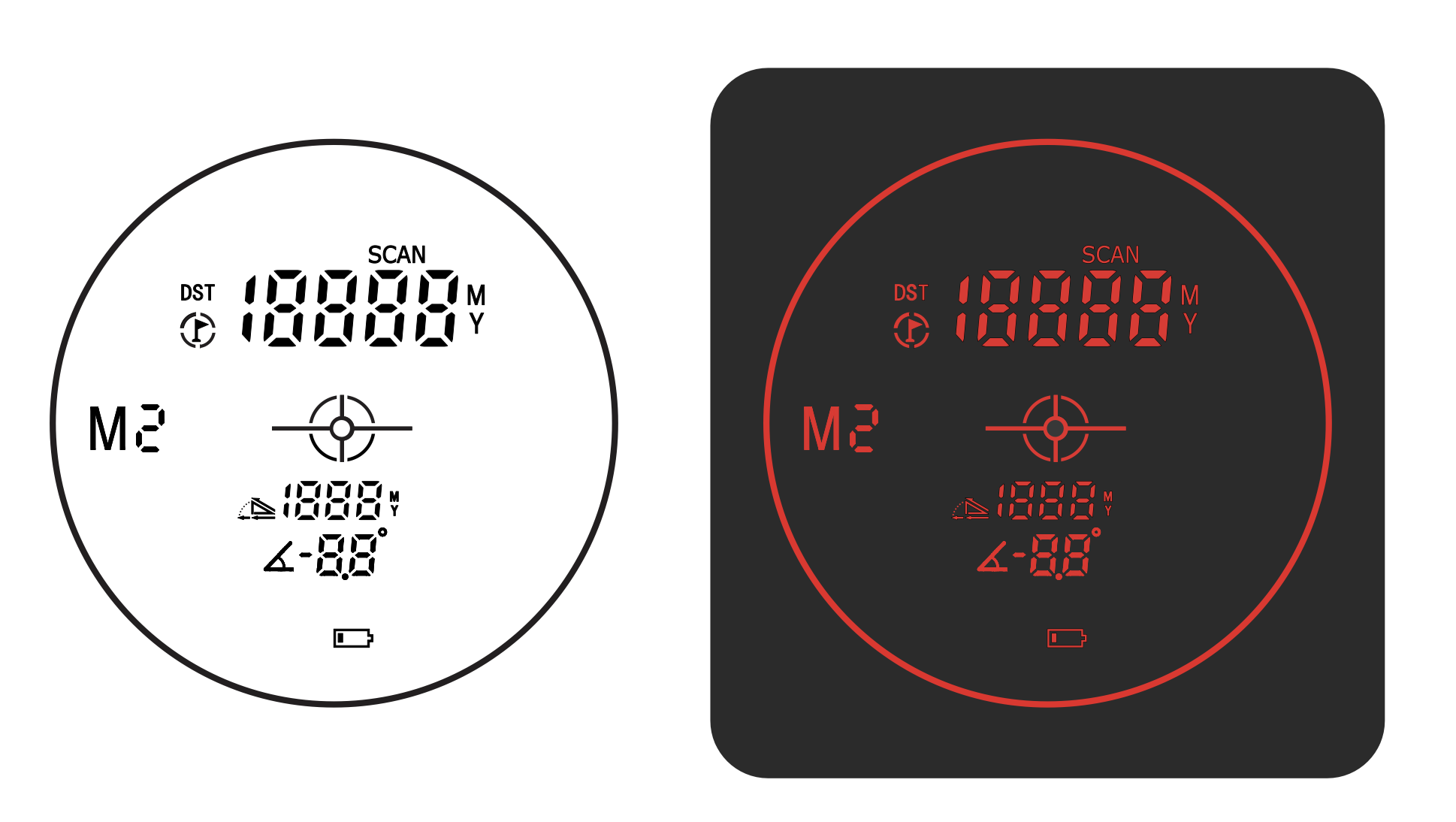
Image


Image
Did you find this article helpful?
Previous

Tips for accurate distance/ranging for the Series 3 Max+ Rangefinder

Next